How to Download the Royal Reels App in Australia (Safe PWA Guide)
Last reviewed: August 10, 2026
Quick Navigation
If you're hunting for a Royal Reels app in the App Store or Google Play, you won't find one. Royal Reels Casino doesn't offer a native mobile application. Instead, it runs as a Progressive Web App (PWA).
We'll show you exactly how to install the PWA safely on your Android or iOS device, why you need to dodge third-party APKs, and how to fix common installation glitches.
Why There Is No Royal Reels App on Google Play or the App Store
The missing native app isn't a bug; it's a compliance and platform reality.
The Interactive Gambling Act 2001 strictly regulates online gambling in Australia. Since Royal Reels holds an offshore Curacao eGaming licence, it can't list a real-money casino app on local storefronts. On top of that, Google Play and the Apple App Store actively block offshore casino applications from their ecosystems.
When you're looking to download, you're actually after a browser-based shortcut, not a traditional software package. Knowing this stops you from falling for fake APK traps.
How to Install the Royal Reels PWA on Android
Android handles PWAs natively through Chrome. The process creates a shortcut that works just like a native app, giving you a full-screen interface and an icon on your home screen.
Step-by-Step Android Installation
- Open the Chrome browser on your Android device.
- Head to the official Royal Reels Casino website.
- Tap the three-dot menu icon in the top right corner.
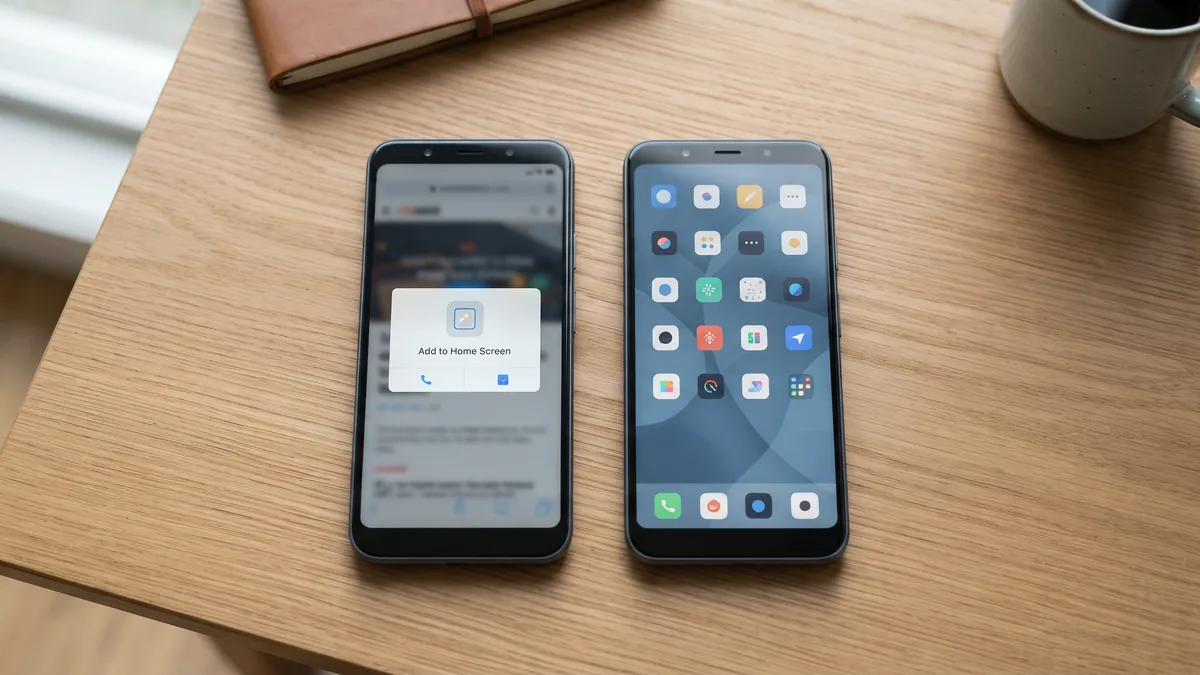
- Select "Add to Home Screen" from the dropdown.
- Confirm the shortcut name and tap "Add".
The Royal Reels icon will now sit in your app drawer and on your home screen. Tapping it launches the casino in a standalone window, hiding the browser address bar.
How to Install the Royal Reels PWA on iPhone (iOS)
Apple restricts PWA functionality on third-party browsers. To get the Royal Reels shortcut on an iPhone or iPad, you have to use Safari.
Step-by-Step iOS Installation
- Open Safari on your iOS device.
- Go to the official Royal Reels Casino website.
- Tap the Share icon (the square with an upward arrow) at the bottom centre of the screen.
- Scroll down and tap "Add to Home Screen".
- Tap "Add" in the top right corner to confirm.
The app icon will now sit on your home screen right next to your native apps.
Security Warning: Avoid Fake Royal Reels APKs
If you search for a "Royal Reels APK", you'll likely hit third-party repositories like APKPure. Don't download those files.
Current search results for this query often point to a Wear OS watch face or unrelated software disguised as a casino app. It's severe search engine pollution. Even if a file claims to be the official software, third-party APKs carry massive malware risks. Unofficial stores frequently host modified files designed to steal your login details or inject adware.
Because Royal Reels runs as a PWA, there is no legitimate APK file to download. The only safe official source is the direct browser method above.
PWA vs Native App: What You Need to Know
Using a PWA instead of a native app actually gives mobile punters a few technical edges.
- Storage Space: A native casino app can eat up over 100MB of your phone's storage. The Royal Reels PWA needs less than 1MB.
- Updates: PWAs update automatically in the background. You'll never have to manually download a new APK or wait for App Store approval to access the latest pokies.
- Performance: The PWA caches essential assets locally, keeping load times fast even on patchy mobile networks.
Troubleshooting: If the "Add to Home Screen" option is missing, make sure you aren't using Incognito or Private mode. Clear your browser cache and check you're using the default browser for your OS.
Desktop and Computer Access
You can also install the PWA on a Windows PC or Mac. Open Chrome or Edge, head to the Royal Reels site, and look for the Install icon (usually a monitor with a downward arrow) on the right side of the address bar. Click it to install the desktop shortcut. This lets you launch the casino in a dedicated window straight from your taskbar or dock.
Responsible Gambling & Account Access on Mobile
Logging into your account on the PWA is exactly the same as the desktop experience. Your credentials, balance, and session history sync instantly across all devices.
Royal Reels operates under a Curacao eGaming licence, which requires the platform to provide built-in responsible gambling tools. You can access deposit limits, session timers, and self-exclusion options directly from the mobile account menu.
Remember the reality of the punt. Chances are you're about to lose. Set your limits before you load the app. If you need support, contact Gambling Help Online at 1800 858 858. You must be 18 or older to register and play.